 KindBudget
Simple expense tracking
Add income and expenses in seconds, with categories that keep everything easy to find.
Track spending, scan receipts and manage shared budgets—all in one simple app built to make money feel lighter.
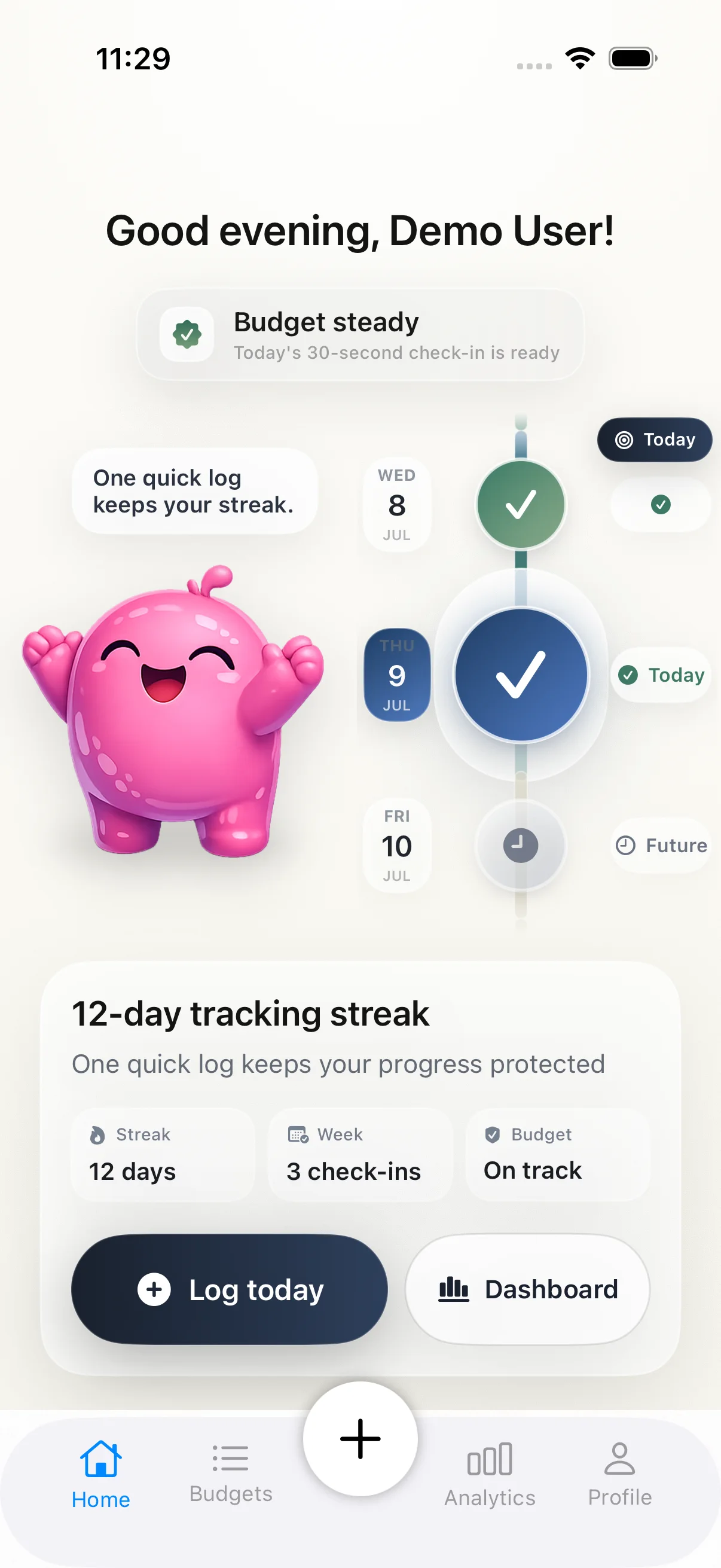

KindBudget keeps the useful parts of budgeting and leaves the spreadsheet stress behind.
Add income and expenses in seconds, with categories that keep everything easy to find.
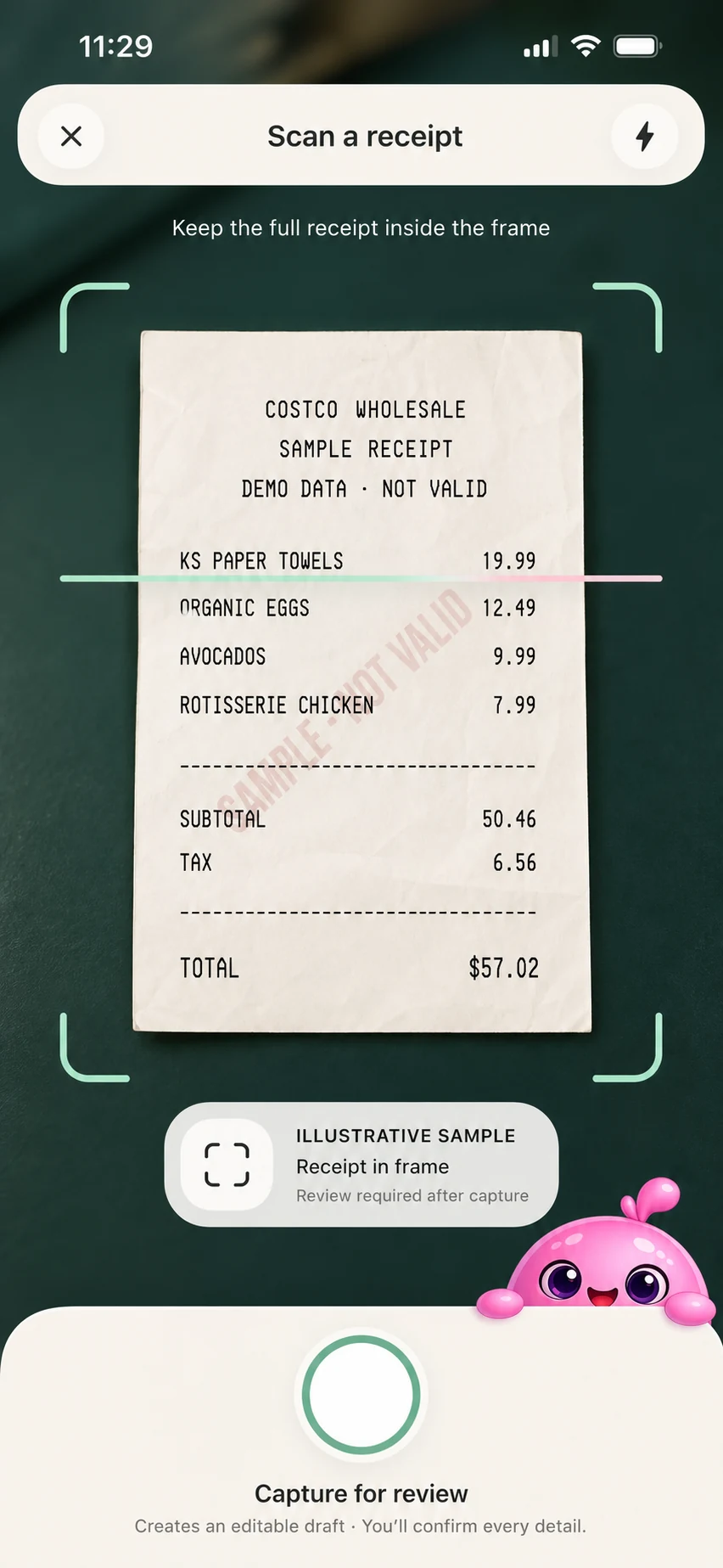
Scan a receipt and let on-device recognition extract the store name, date and total.
Invite a partner or family member and stay aligned without chasing updates.
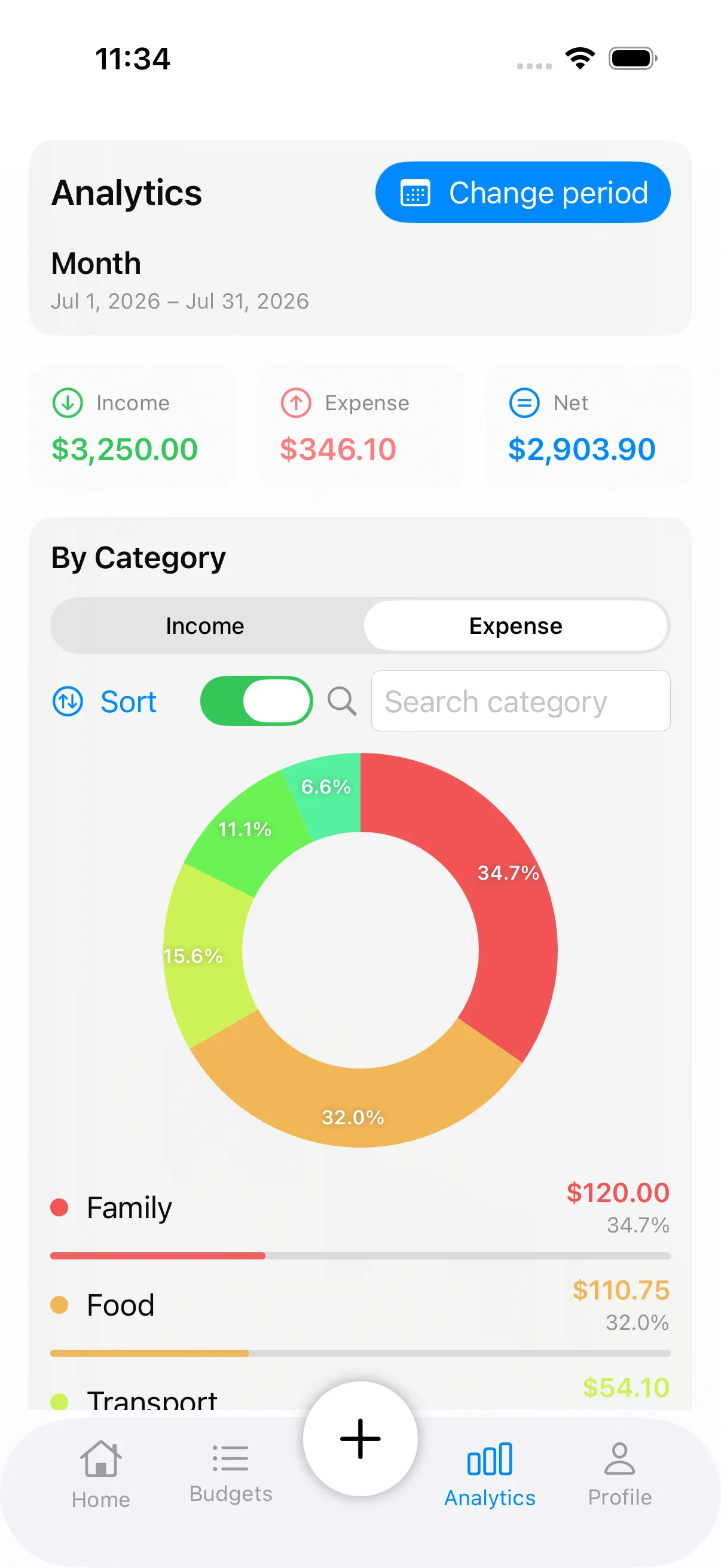
See where your money goes with clear summaries, categories and spending trends.
View a budget at a glance from your Home Screen.
Protected sign-in, scoped cloud access and controls to export or delete your data.
Three small steps are enough to turn everyday spending into a plan you can actually use.
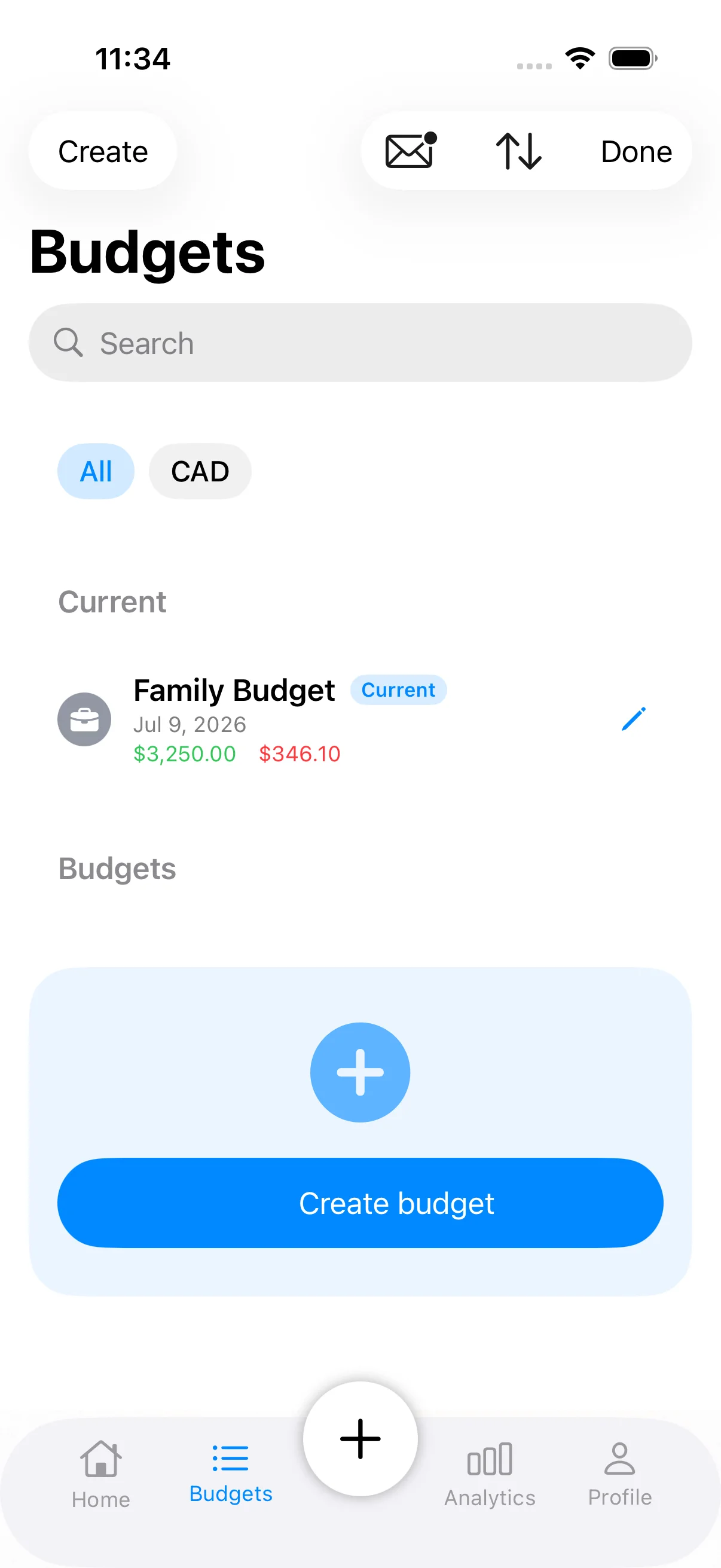
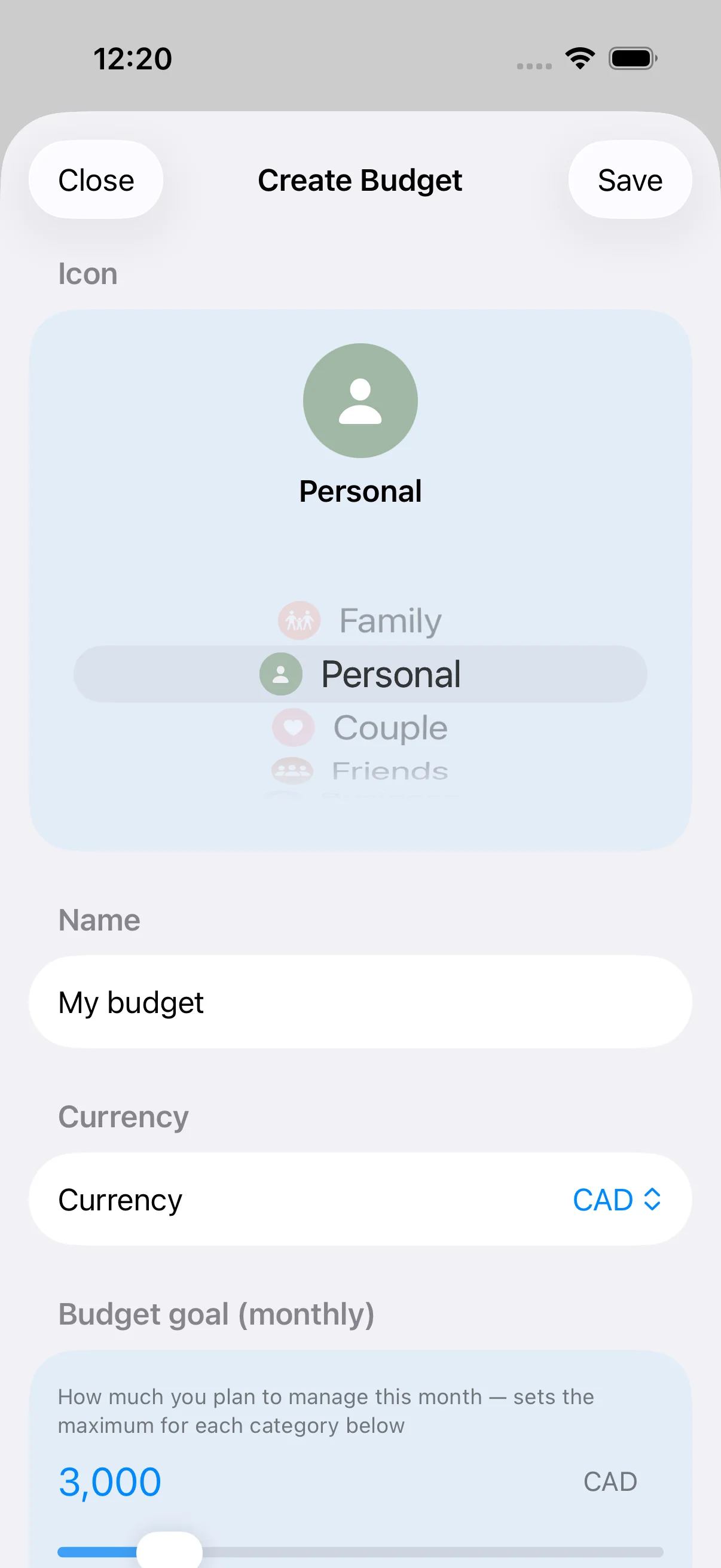
Choose a name, currency and a goal that fits your life.
Enter an expense by hand or scan the paper receipt.
Review calm summaries and plan the next step together.
KindBudget product previews with seeded demo data—so the experience can speak for itself without exposing anyone’s finances.
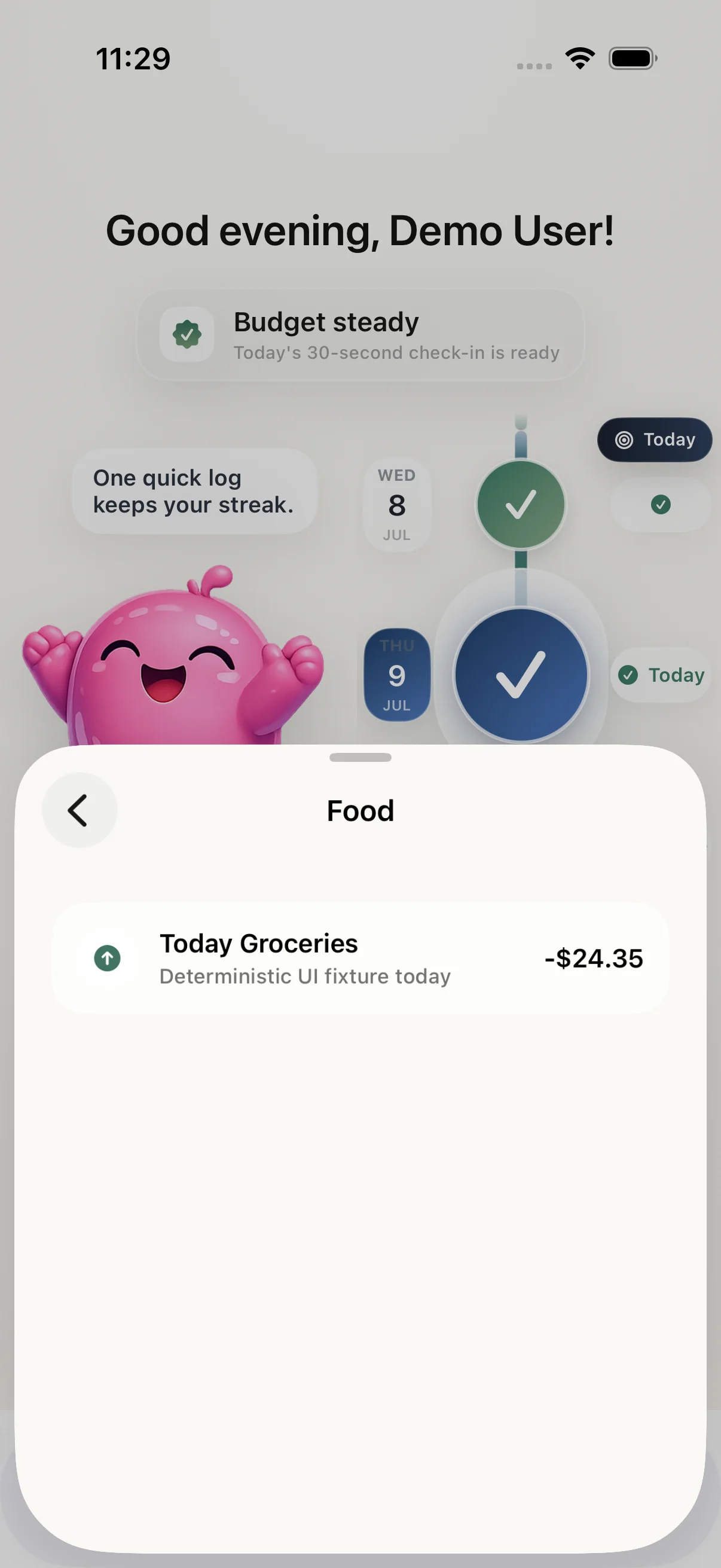
A warm daily check-in, a visible streak and one clear next step—without shame, alarms or financial noise.
Aim, capture and review. KindBudget reads receipt details on-device and keeps you in control before anything is saved.
The scan becomes a draft—not a decision. Check every field, adjust anything, then add the transaction when it looks right.
Nine more real screens—from quick transactions to shared budgets and analytics.
See what is left without doing the math.
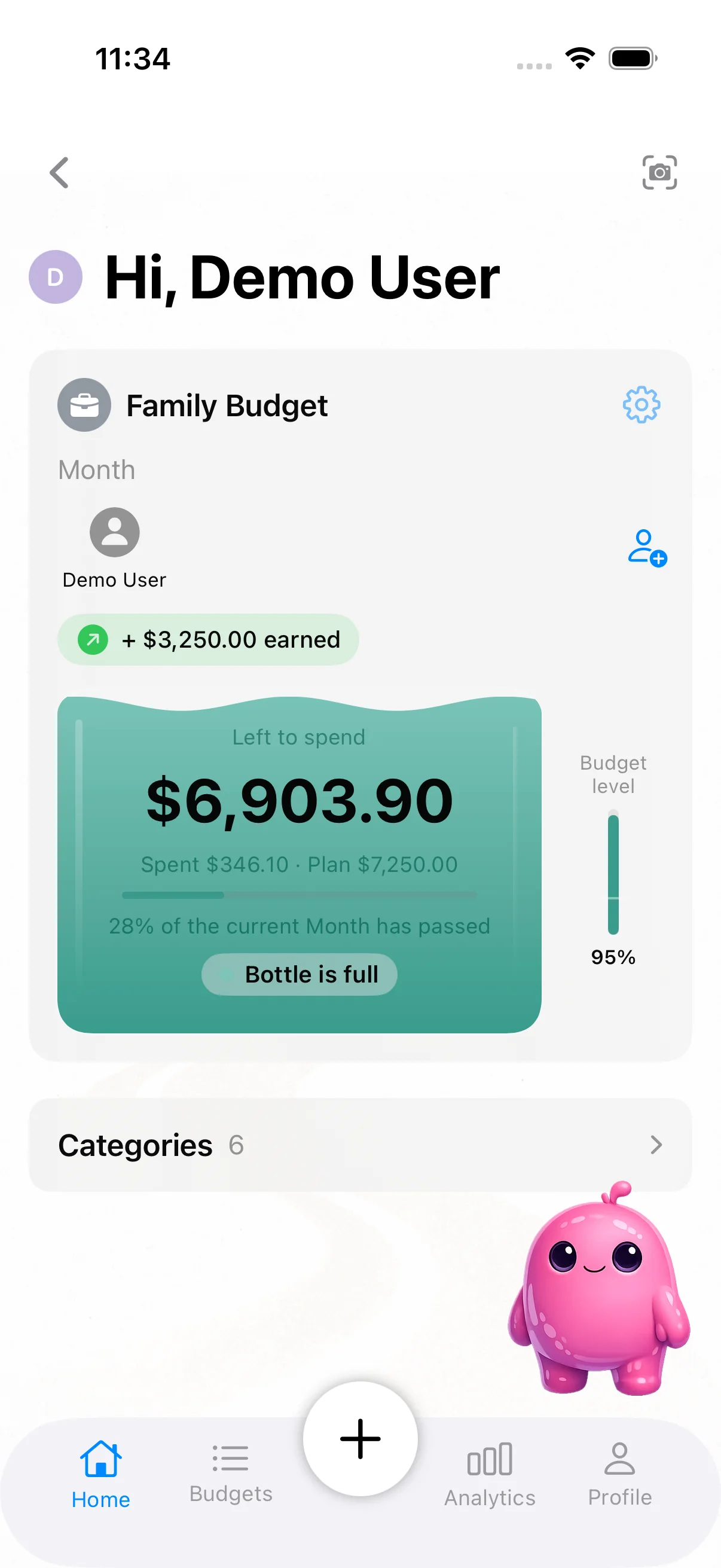
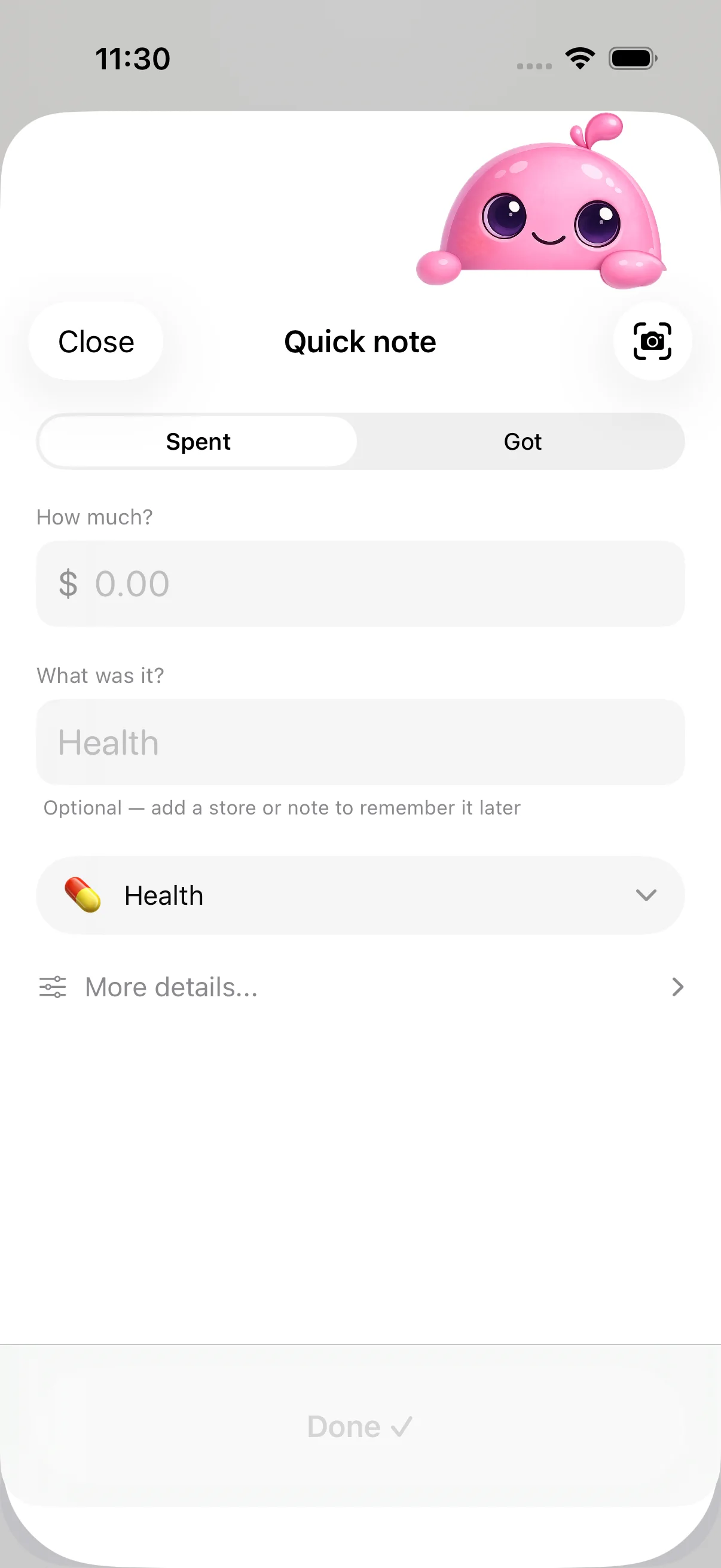
A focused way to log money in or out.
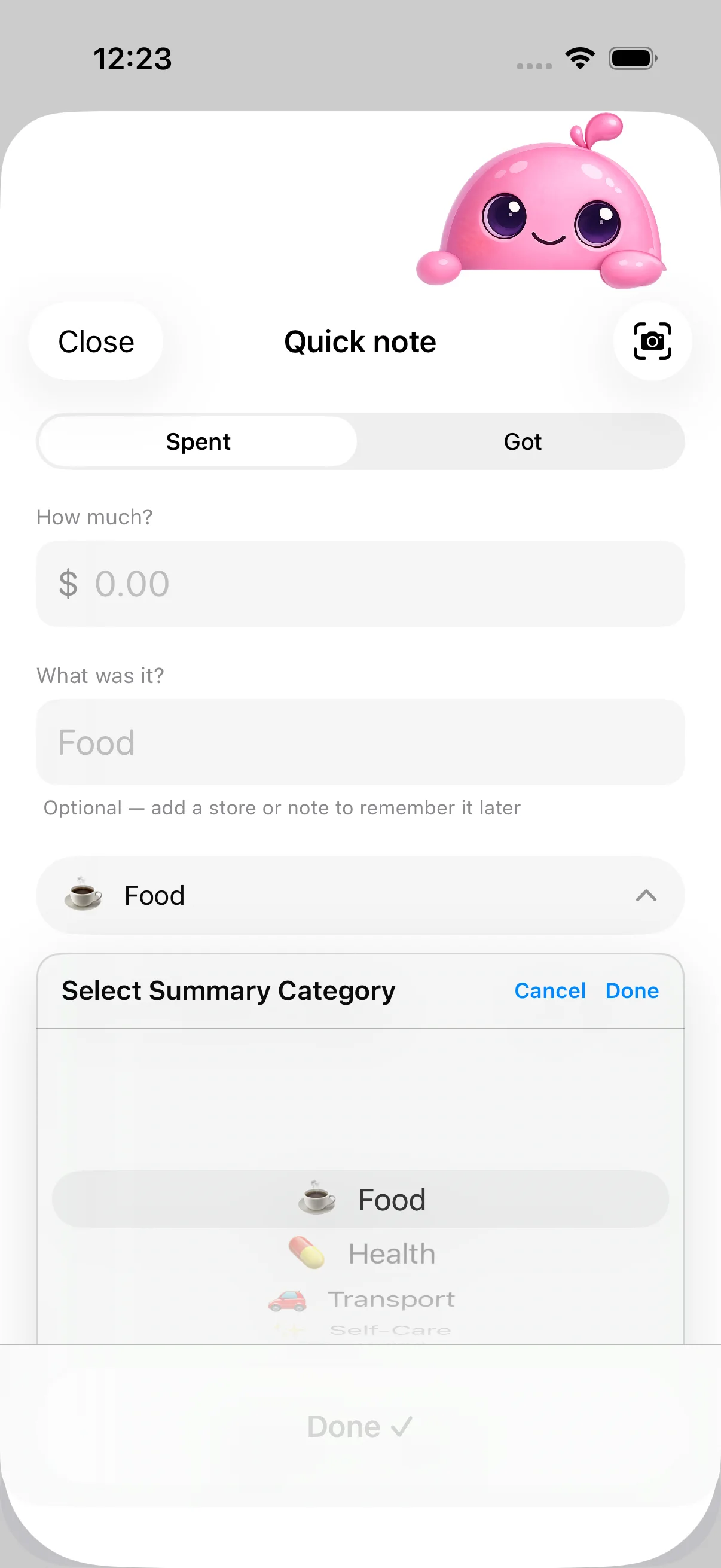
Keep every expense organized with a quick, visual choice.
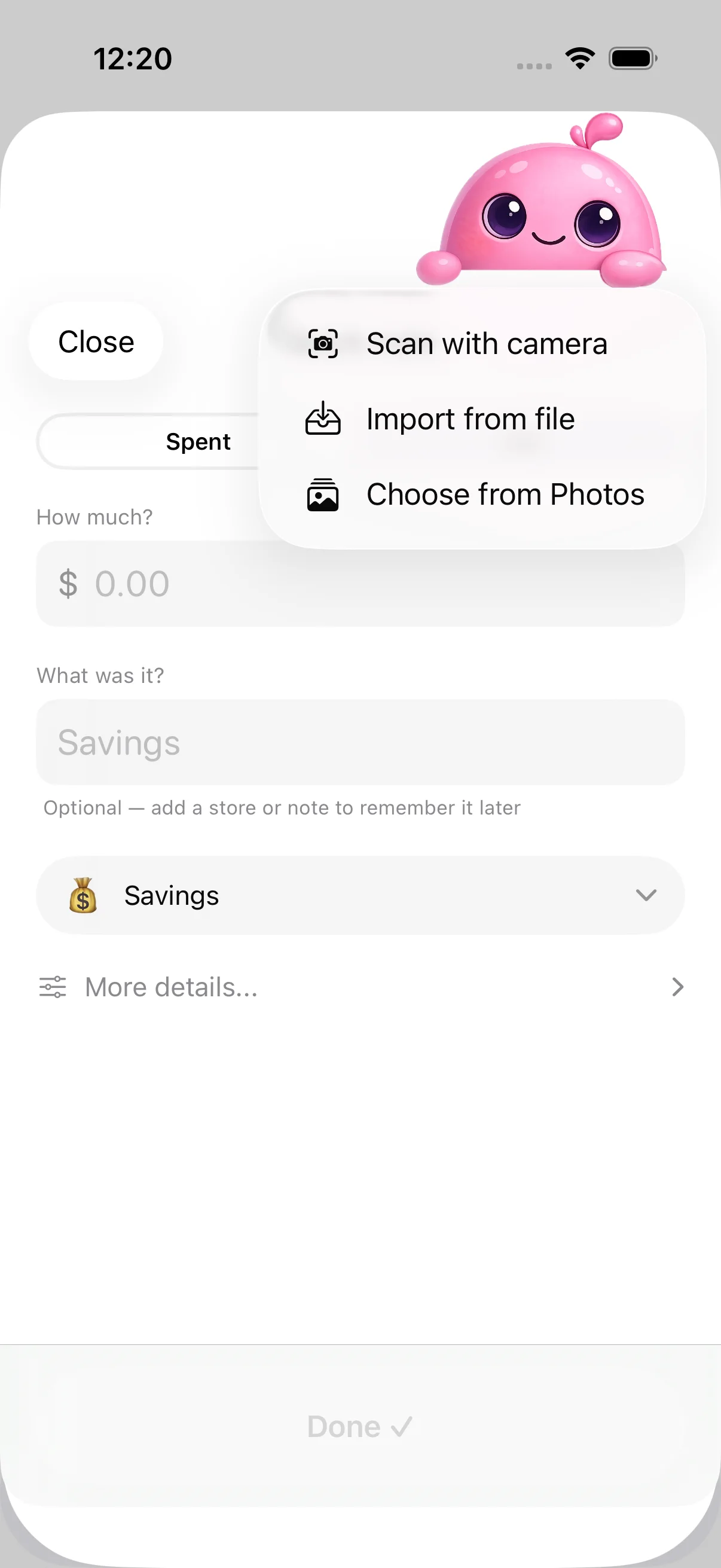
Scan with the camera or import a receipt you already have.
Useful patterns without financial noise.
Open any day and see exactly what changed.
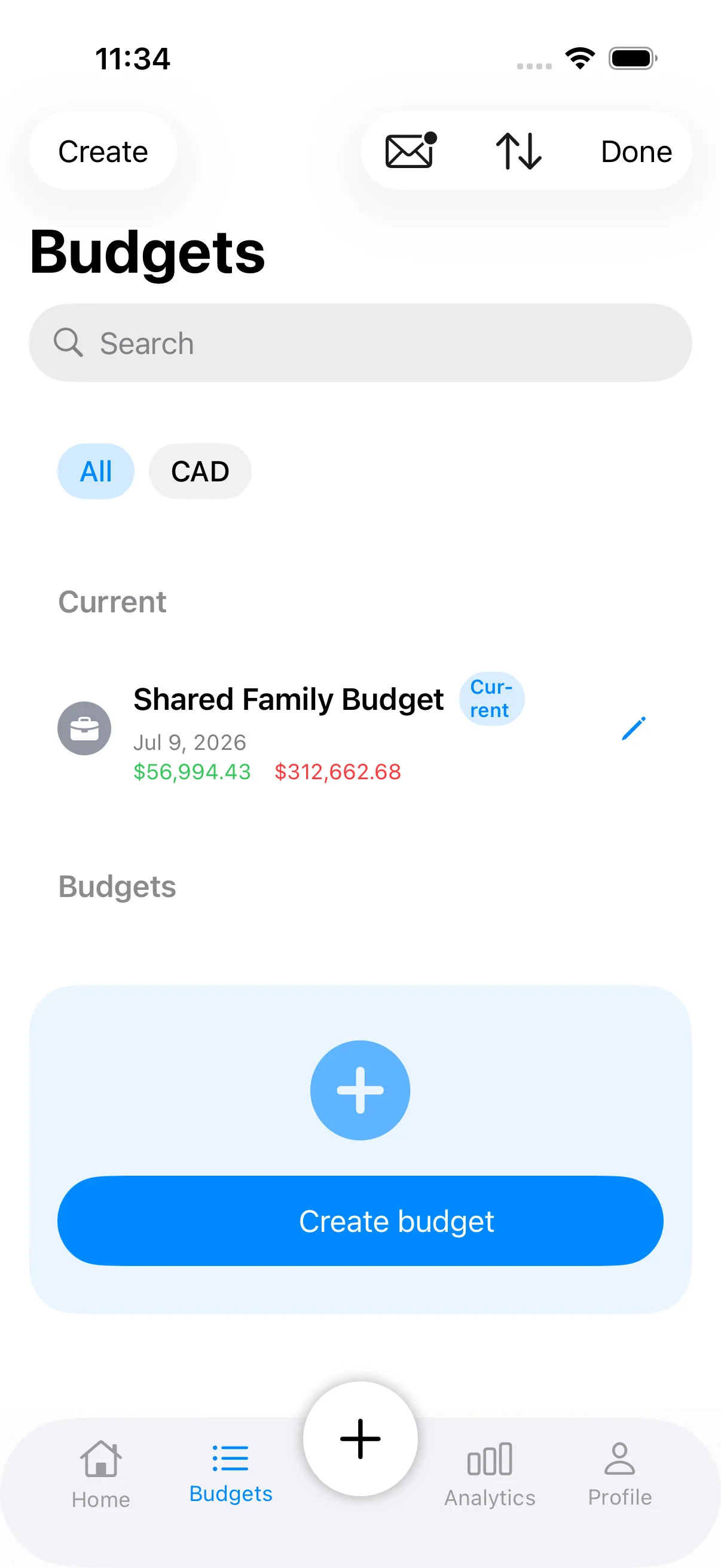
One current view for everyone invited.
Set the currency, goal and details of a new budget in one place.
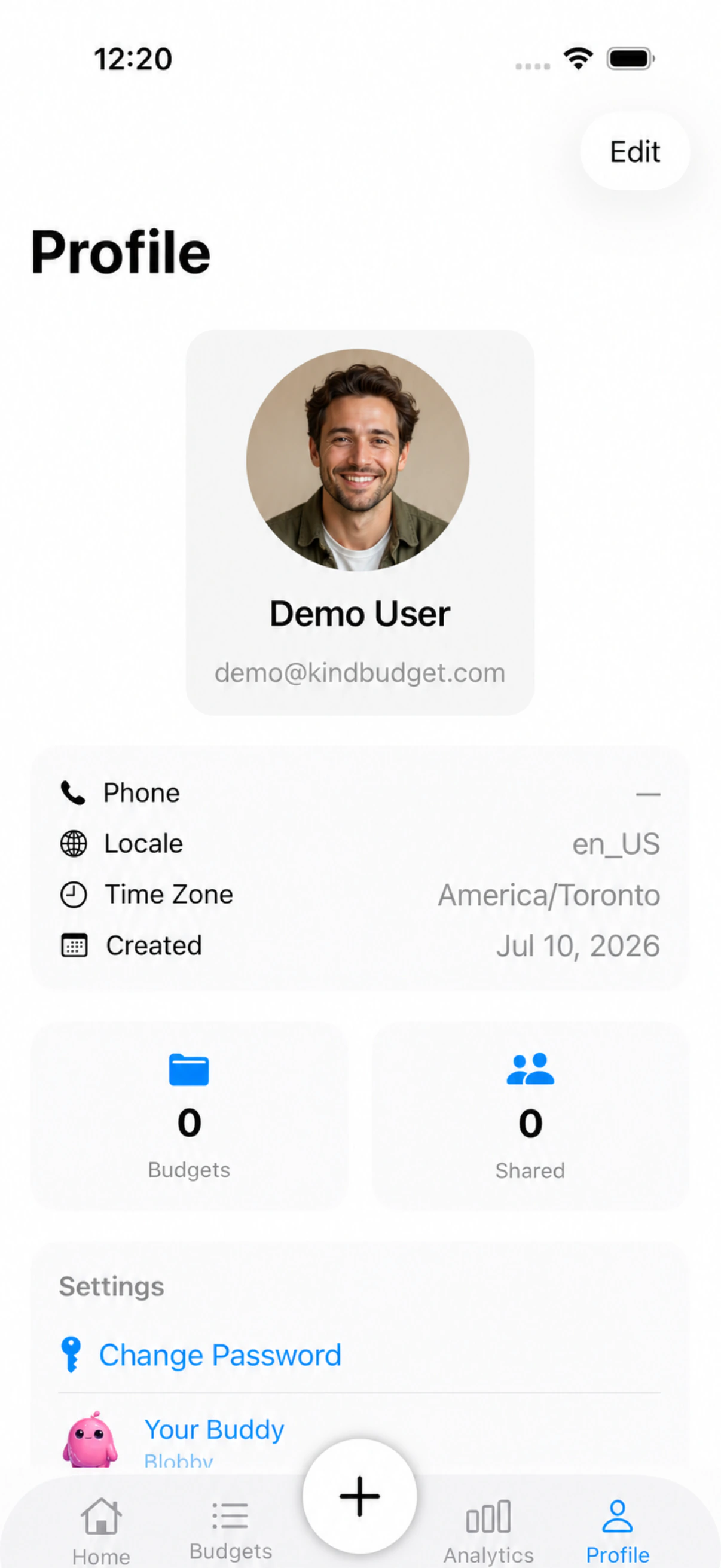
Account, locale and privacy controls stay easy to find.
Invite a partner or family member, add expenses from either phone and work from the same current view.
KindBudget uses the data you enter to provide budgeting, sync and sharing features. It does not sell, rent or trade your personal data.
Read the Privacy PolicyIn the version described by our Privacy Policy, images are processed on-device and are not uploaded to Cloud Storage for Firebase or Cloud Firestore.
Signed-in access is managed through Firebase Authentication and scoped Cloud Firestore security rules.
Export supported budget data, remove shared access, or delete your account from the app.
Pricing and plan details will be confirmed before KindBudget is released on the App Store.
Yes. An account is required so KindBudget can protect your data, sync the data supported by your plan and enable shared budgets. You can sign in with Apple, Google or email.
Yes. Shared-budget owners can invite a partner or family member. Shared members only see the budgets they have been invited to.
KindBudget supports USD, CAD, EUR and GBP. Each budget keeps its own currency.
Yes. KindBudget uses on-device recognition to extract receipt details. Always review the detected amount before saving.
KindBudget is designed for iPhone and requires iOS 18.2 or later. Its widget brings selected budget information to the Home Screen.
In the app, open Profile and choose Delete My Account. The two-step confirmation deletes your account and starts removal of associated data, subject to the shared-budget and retention details on the Delete Account page.
Email support@kindbudget.app. Include your iPhone model, iOS version and app version so the team can help faster.
Build a calmer money routine with KindBudget.
Coming soon on theApp StoreJoin the waitlist. We will only email you about KindBudget availability.